 BL/01
BL/01
01
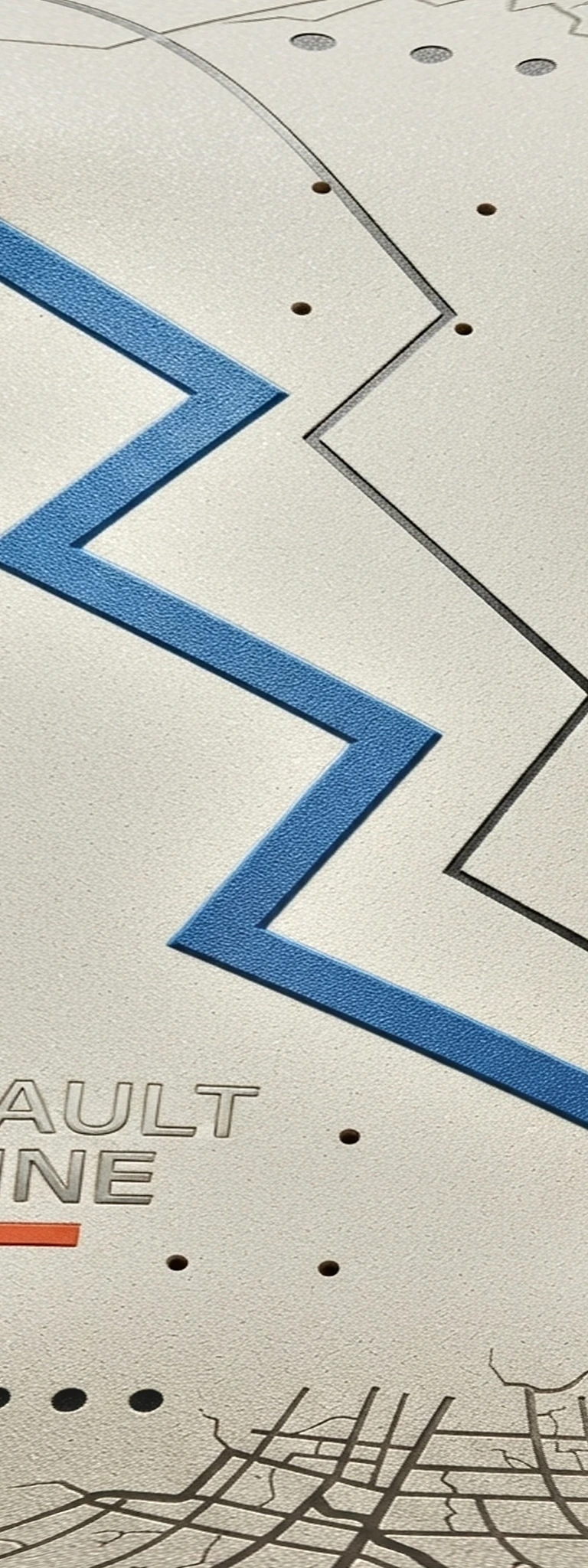
Faultline
Cobalt fracture marks cut across a bone deck field.
Independent deck lab / Sample 06
Breakline offers an original deck collection you can customize component by component. Use Build Your Board to mix and match the deck, grip, trucks, wheels, hardware, and colors.
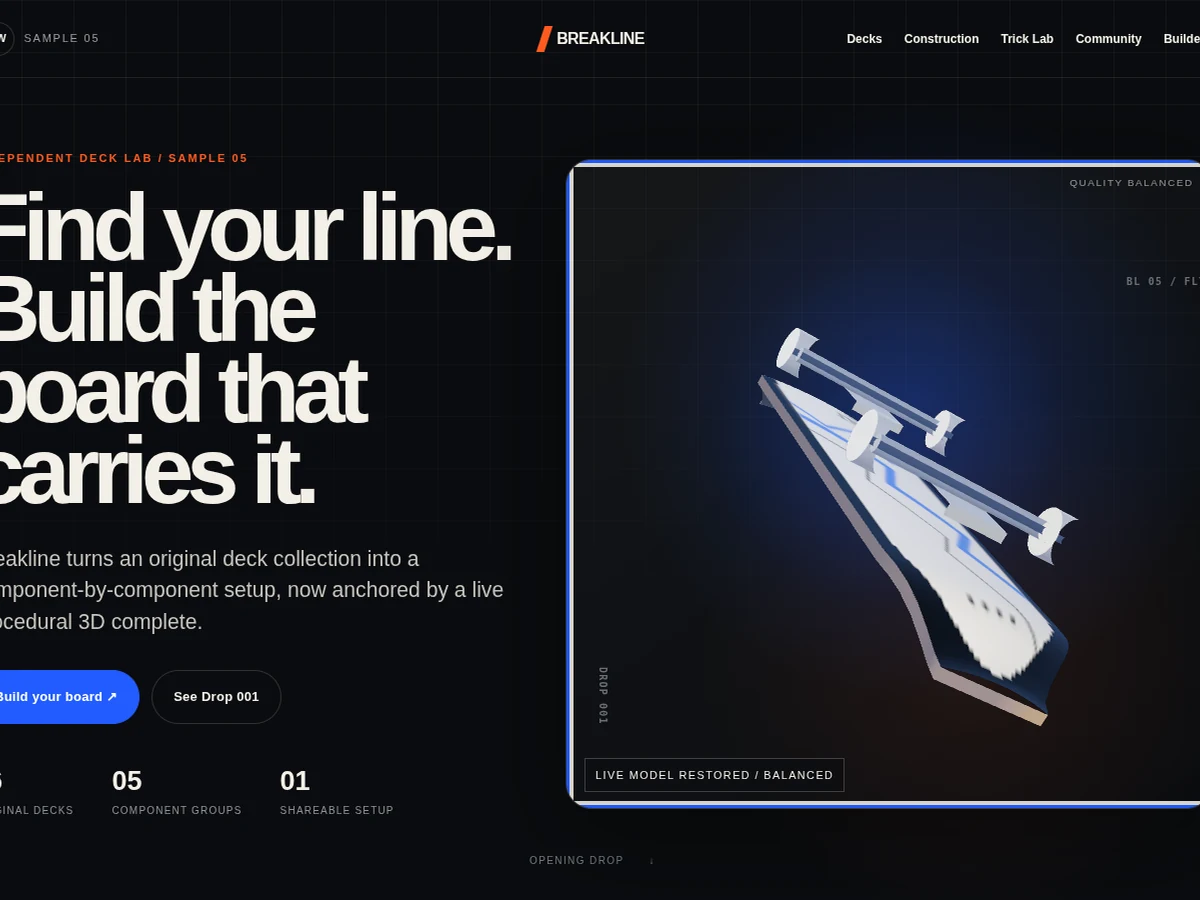
Use the arrow keys to inspect the skateboard. Press R to reset the view. Pointer dragging is optional.
Loading live modelDrop 001 / Original artwork
Choose a deck graphic, then carry it into the builder to match it with the rest of your setup.
BL/01
01
Cobalt fracture marks cut across a bone deck field.
 BL/02
BL/02
02
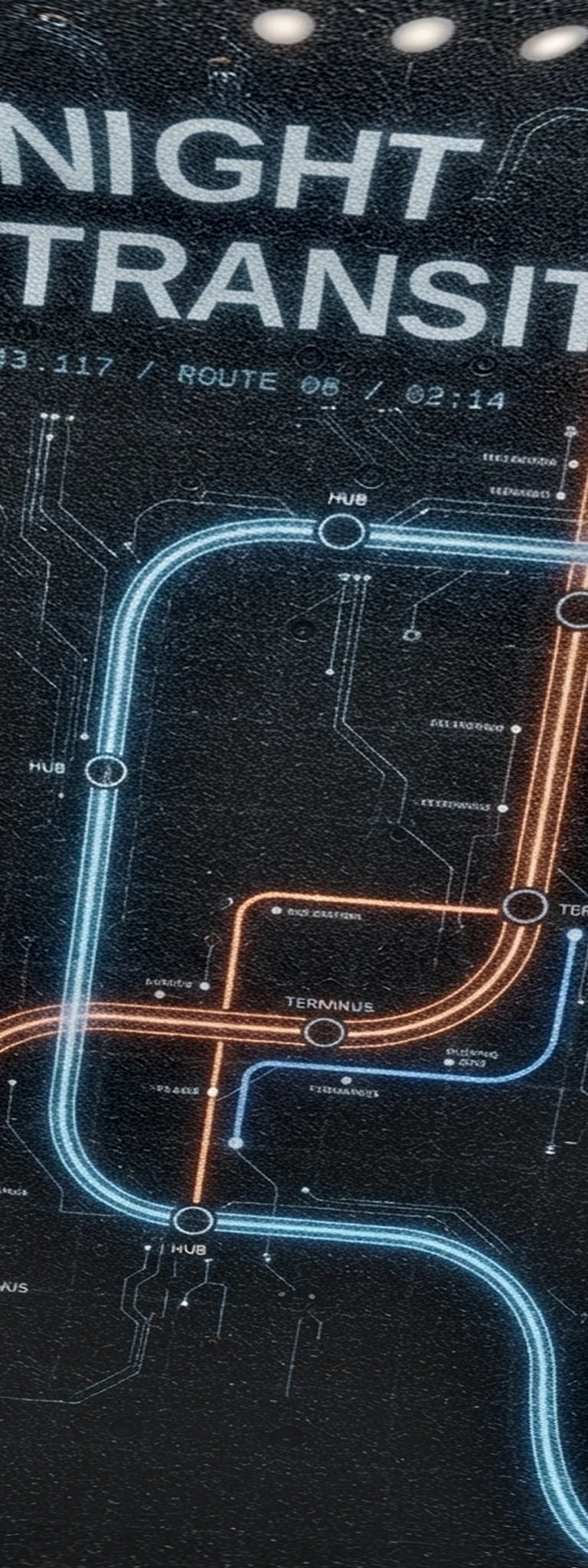
A dark route map built from rails, stops, and late-city light.
 BL/03
BL/03
03
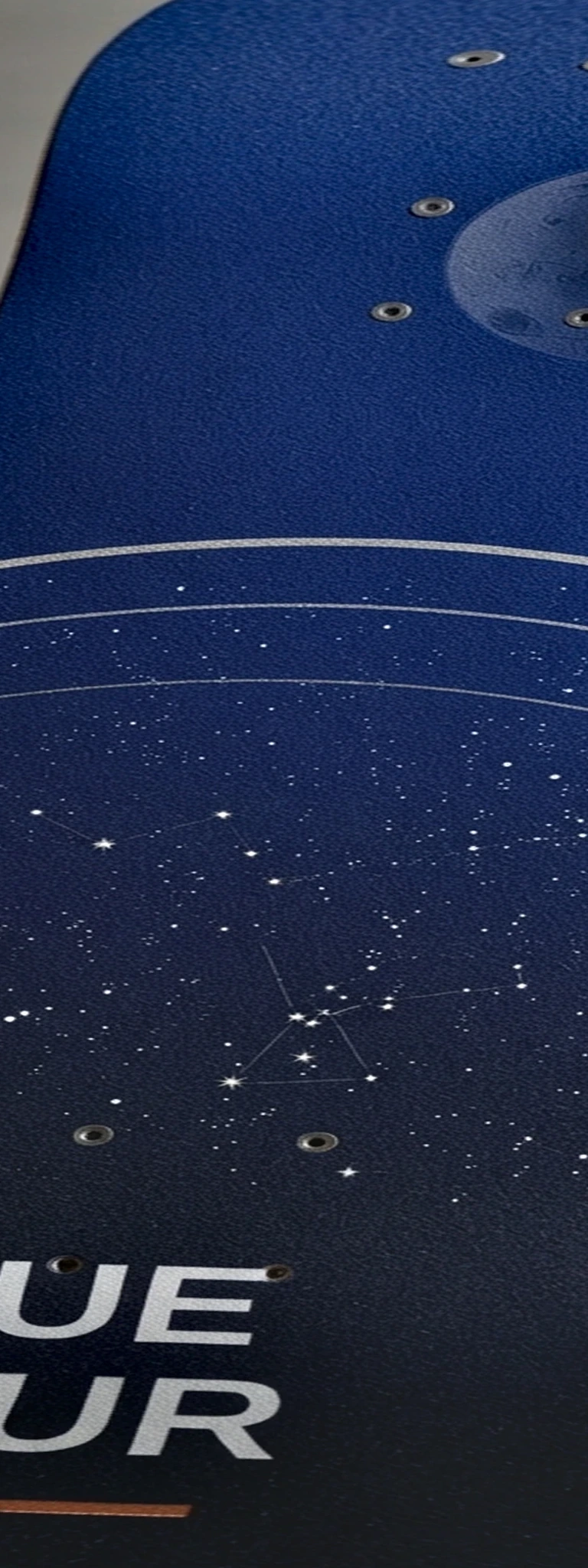
Deep cobalt fades through the moment before the streetlights take over.
 BL/04
BL/04
04
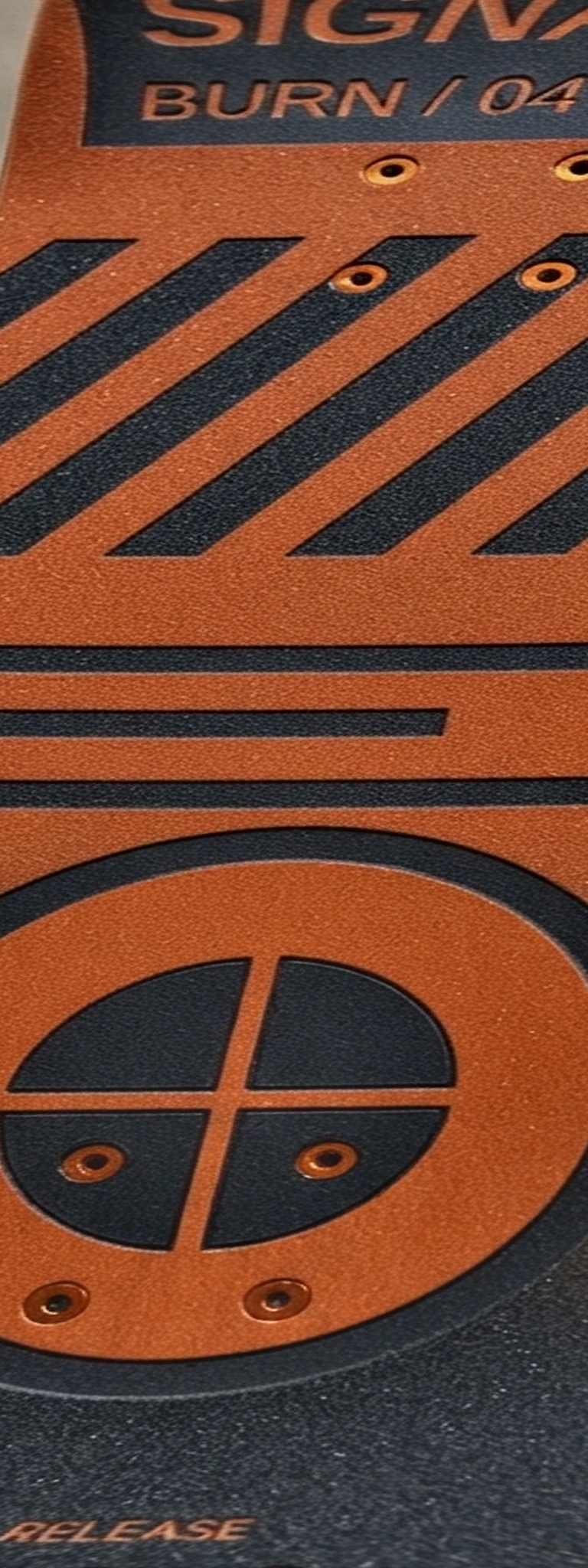
Hazard orange and black registration bars built for high contrast.
 BL/05
BL/05
05
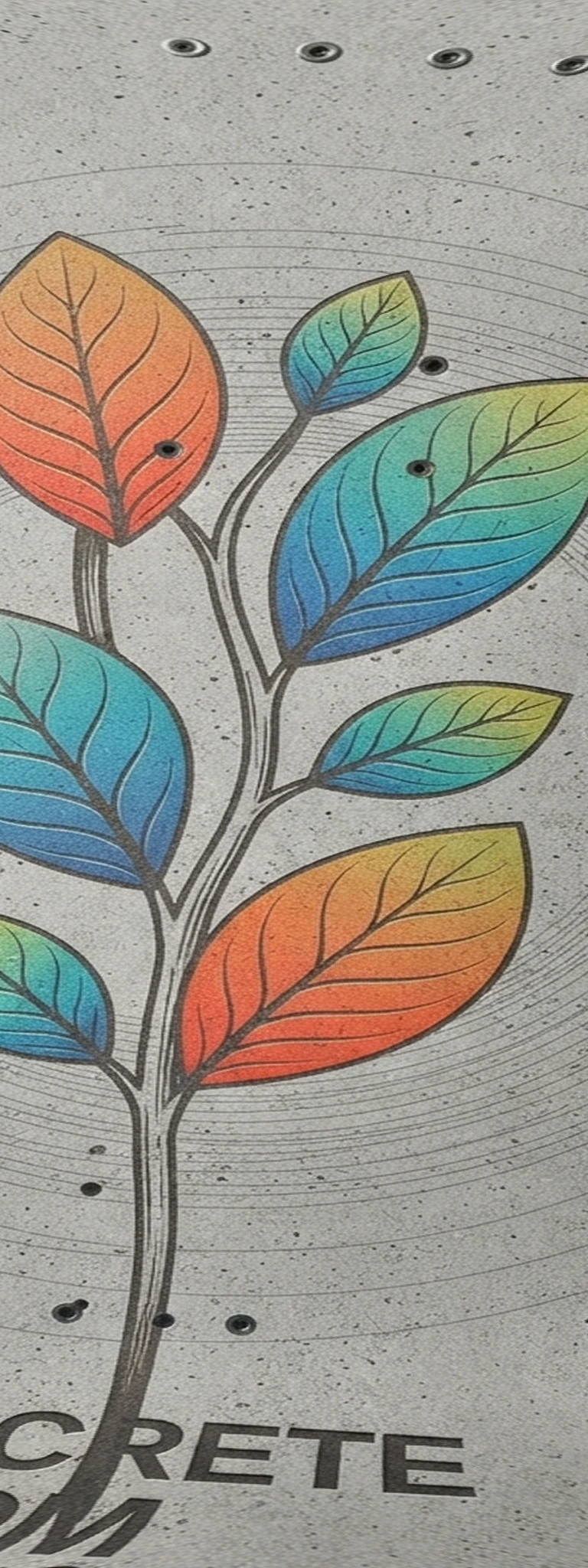
Soft organic marks push through a rough mineral ground.
 BL/06
BL/06
06
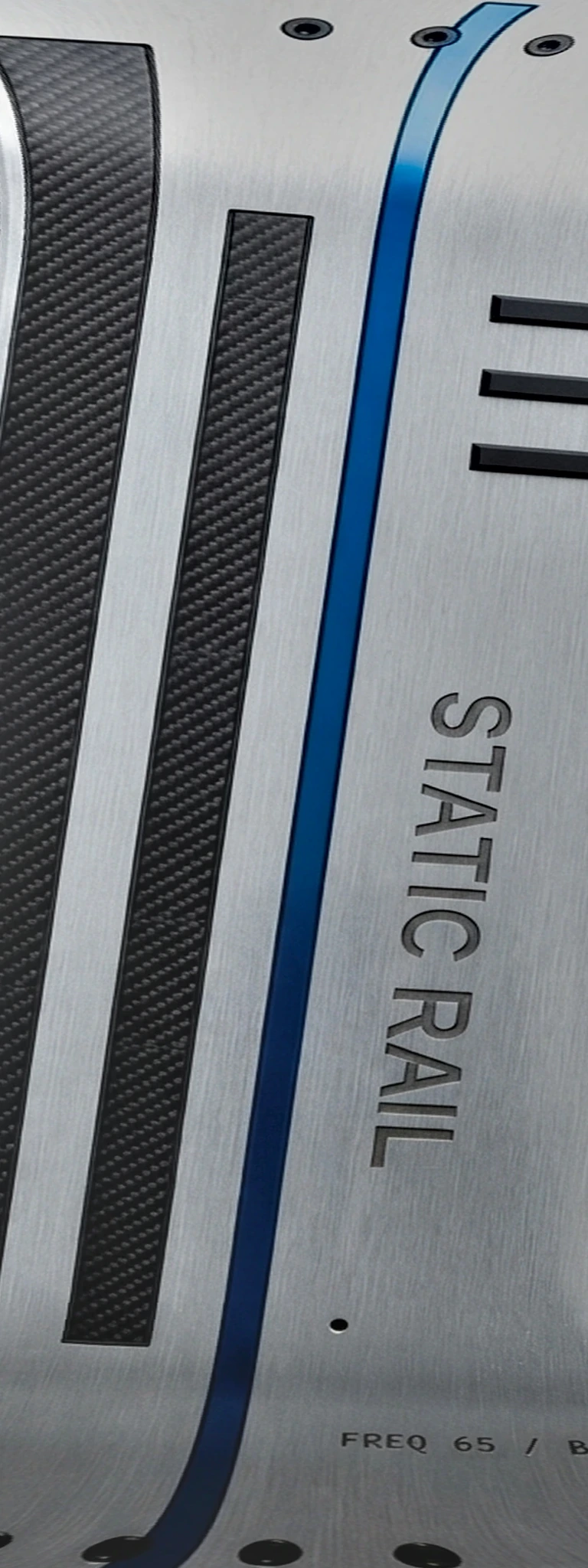
Silver noise, scan lines, and a narrow cobalt strike.
Community presets
Meet the fictional founding crew behind Breakline. Each profile links to a complete setup inspired by that founder’s riding style.
 01
01
 02
02
 03
03
 04
04
Complete anatomy
Every complete is built from five choices: deck, grip, trucks, wheels, and hardware. The diagram shows those parts as one coordinated setup.
The graphic sets the visual direction. A medium-concave concept keeps the sample focused on an adaptable street complete.
Choose classic black, concrete grey, a cobalt grid, or a clear mark that exposes the top graphic.
Both assemblies update together so the builder can never show an incomplete left-right combination.
Wheel options communicate diameter and visual finish in text, not only through a color circle.
Small details complete the palette and remain named in the product summary for nonvisual access.
Shape
Each Breakline deck is original artwork with its own rhythm, contrast, and street-facing personality. The graphic is not decoration added after the interface. It is the first product decision.
Contact
Choose the wheel size, truck finish, and grip style that fit your setup. The 3D board updates as each selection changes.
Share
Every complete configuration can be restored from a shareable URL. Presets, rider profiles, refresh, and browser history all resolve through the same validated product state.
Open the builder →Trick Lab / Live state machine
Choose a trick to launch the board. Switch tricks mid-motion or replay it. The board always returns to the same starting pose.
Use the arrow keys to inspect the skateboard. Press R to reset the view. Pointer dragging is optional.
Loading live modelHeel-side rotation
The board rises, rotates around its long axis, returns level, and lands on the canonical rest pose without accumulating drift.
Current state Idle, ready
Trick Lab ready.
Motion language
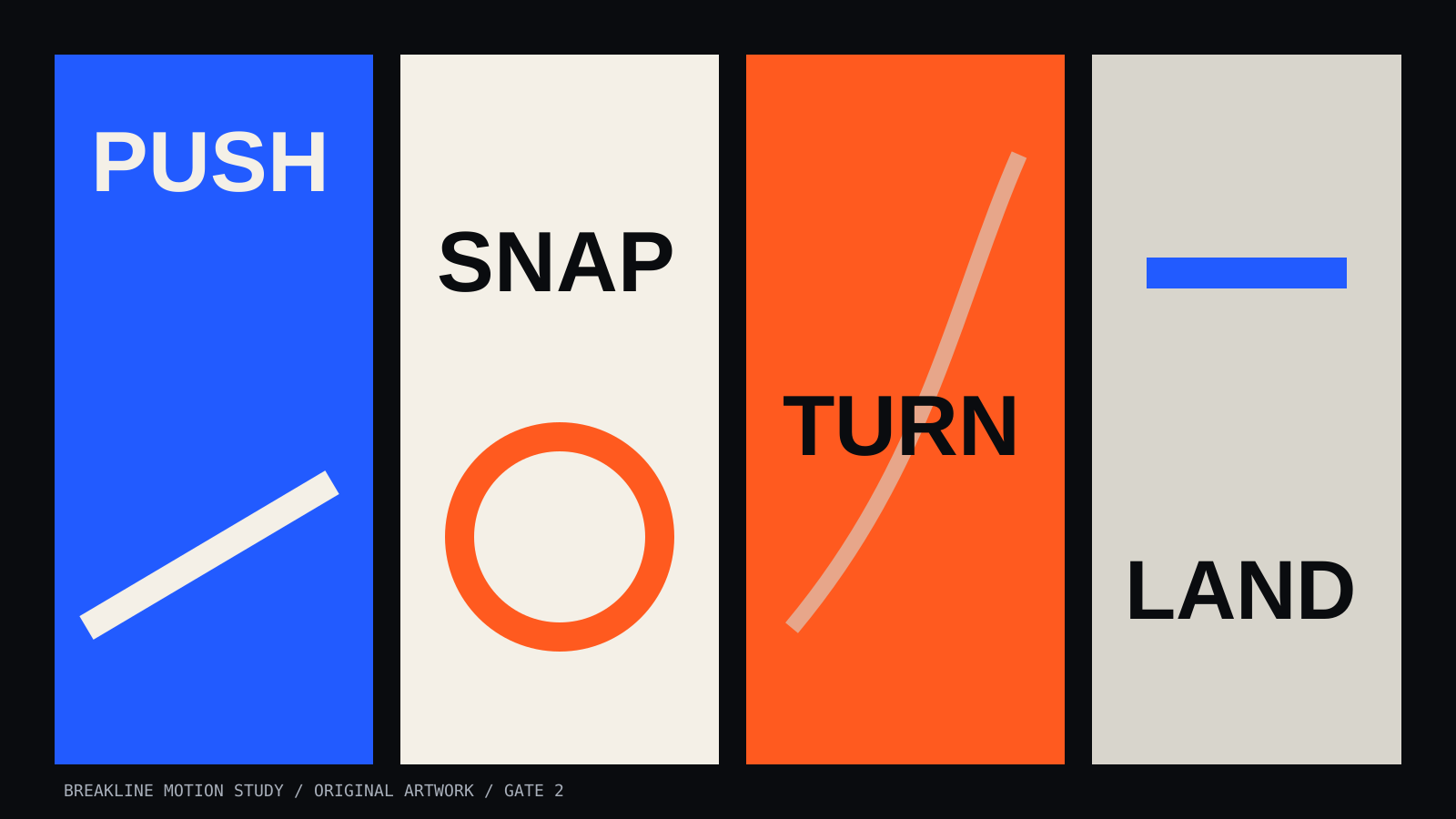
These four visual cues show the rhythm of the Breakline motion system: push, snap, turn, and land.
Your line is ready to build